Digital Marketing Tools for Small Businesses
Best Digital Marketing Tools for Small Businesses in India
Running a small business in India is an exciting journey, but reaching the right customers can be a major challenge. With countless businesses competing for attention, how do you make your brand stand out? The answer lies in smart digital marketing. But you don’t have to be a marketing genius or have a massive budget to succeed. The right digital marketing tools can level the playing field, helping you connect with your audience, grow your brand, and boost your sales. This guide will walk you through the very best digital marketing tools for small businesses in India, designed for beginners and entrepreneurs. We will explore affordable and even free options that can transform your marketing efforts, making them simpler, faster, and much more effective. Whether you run a local Kirana store, a boutique online shop, or a service-based business, these tools will help you navigate the digital landscape with confidence.
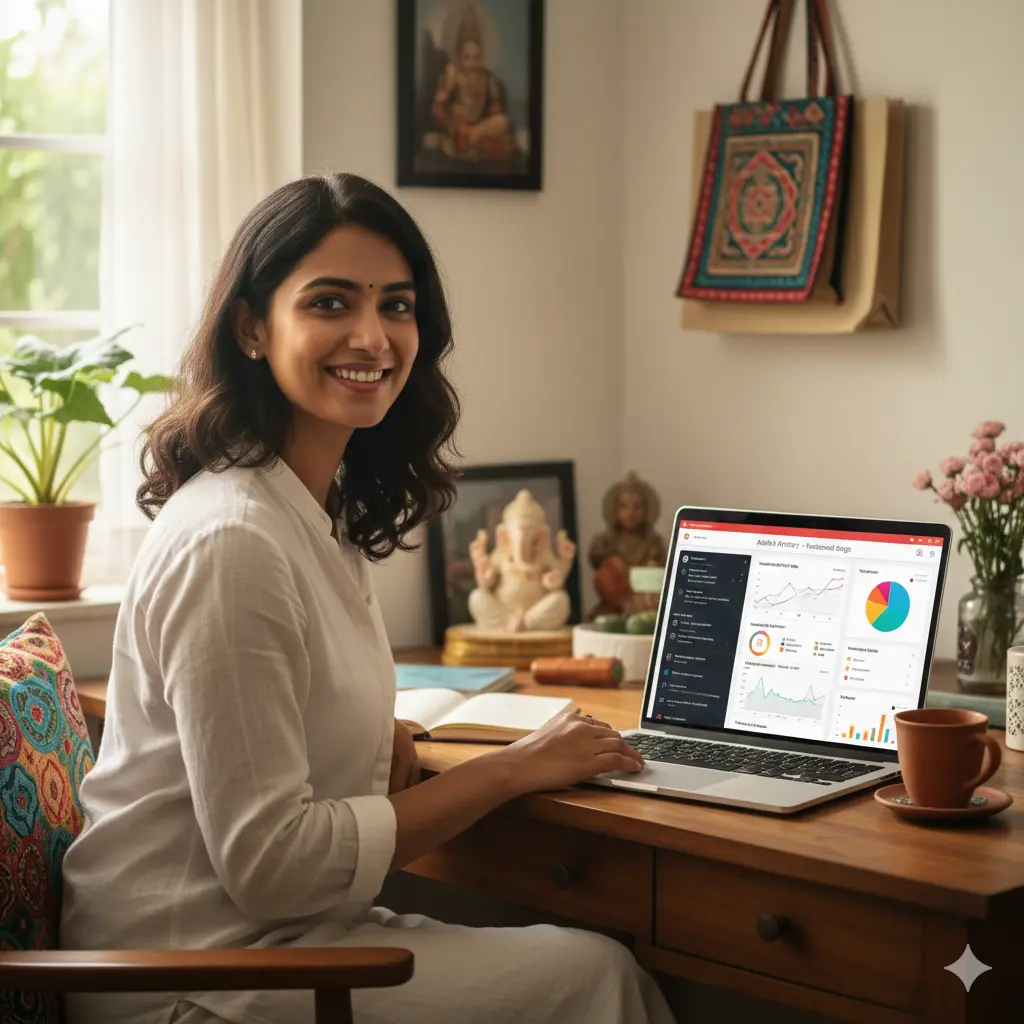
Table of Contents
What Are Digital Marketing Tools?
Digital marketing tools are software, applications, or platforms that help you plan, execute, and measure your marketing activities online. Think of them as your digital assistants. They automate repetitive tasks, provide valuable data, and help you reach your customers more efficiently.
For example, instead of manually posting on Facebook every day, a social media tool can schedule all your posts for the week in one go. Instead of guessing which keywords people use to find your business on Google, an SEO tool can give you the exact phrases. These tools cover all aspects of online marketing, from attracting visitors to your website to converting them into loyal customers. Simple examples include Google Analytics, which shows you who visits your website, and Canva, which helps you create beautiful social media graphics without any design skills. In short, they are essential for anyone practicing Digital Marketing for Beginners.
Why Small Businesses in India Need Digital Marketing Tools
In a competitive market like India, simply having a great product or service is not enough. You need to be visible where your customers are—and today, they are online. Here’s why digital marketing tools are no longer a luxury but a necessity for small businesses in India:
- Budget-Friendly Marketing: Many powerful digital marketing tools offer free plans or are very affordable. This allows small businesses to compete with larger companies without spending a fortune on traditional advertising like billboards or TV ads.
- Automation Saves Time: As a small business owner, your time is precious. These tools can automate tasks like posting on social media, sending emails, and tracking results. This frees you up to focus on other important aspects of your business.
- Stay Ahead of the Competition: Your competitors are likely using these tools. By adopting them, you can understand their strategies, find gaps in the market, and create more effective campaigns to attract their customers.
- Data-Driven Decisions: Gut feelings can be misleading. Digital marketing tools provide concrete data about what works and what doesn’t. You can see which ad brought in the most customers or which social media post got the most engagement, helping you make smarter business decisions.
Wider Reach: With the right tools, a small shop in Jaipur can sell its products to customers in Mumbai or even overseas. Digital tools help you break geographical barriers and reach a much larger audience than you could with traditional methods. They are a core part of the various Types of Digital Marketing that can grow your business.
Best Digital Marketing Tools for Small Businesses in India
Now, let’s dive into the specific tools that can help your small business thrive. We’ve categorized them based on their function to make it easy for you to find what you need.
1. SEO Tools
Search Engine Optimization (SEO) is the process of making your website more visible on Google search results. When customers search for products or services you offer, you want your business to appear on the first page. These tools help you achieve that.
- Google Search Console (GSC)
- What it is: A free service from Google that helps you monitor your website’s performance in Google Search. It’s like a direct line of communication between you and Google.
- How it works: You verify your website with GSC, and it starts showing you data. You can see which keywords people use to find you, identify technical errors on your site, and submit your sitemaps to help Google crawl your pages. It is fundamental to understanding How SEO Works.
- Example in India: A local handicraft store in Udaipur uses GSC to discover that people are searching for “blue pottery online India.” They then create a dedicated page for their blue pottery collection, leading to more organic traffic and sales.
- Who should use it: Every single business with a website. It is non-negotiable.
- Google Keyword Planner
- What it is: A free tool within Google Ads that helps you research keywords. You don’t need to run ads to use it.
- How it works: You enter a word or phrase related to your business, and it shows you a list of related keywords, their monthly search volumes, and how competitive they are.
- Example in India: A cloud kitchen in Bangalore wants to offer biryani. They use Keyword Planner and find that “office lunch biryani delivery” has high search volume and low competition. They can then target this keyword in their website content and ads.
- Who should use it: Small businesses wanting to create content or run ads based on what people are actually searching for.
- Ubersuggest
- What it is: A user-friendly SEO tool developed by Neil Patel. It offers a generous free version that is perfect for beginners.
- How it works: It provides keyword ideas, helps you analyze your competitors’ top pages, and performs a basic SEO Audit to find issues on your website.
- Example in India: A small travel agency in Kerala uses Ubersuggest to analyze the backlink profile of a successful competitor. They find blogs that have linked to their competitor and reach out to those same blogs for a feature, boosting their own site’s authority.
- Who should use it: Beginners and small businesses looking for an all-in-one SEO tool without a hefty price tag.
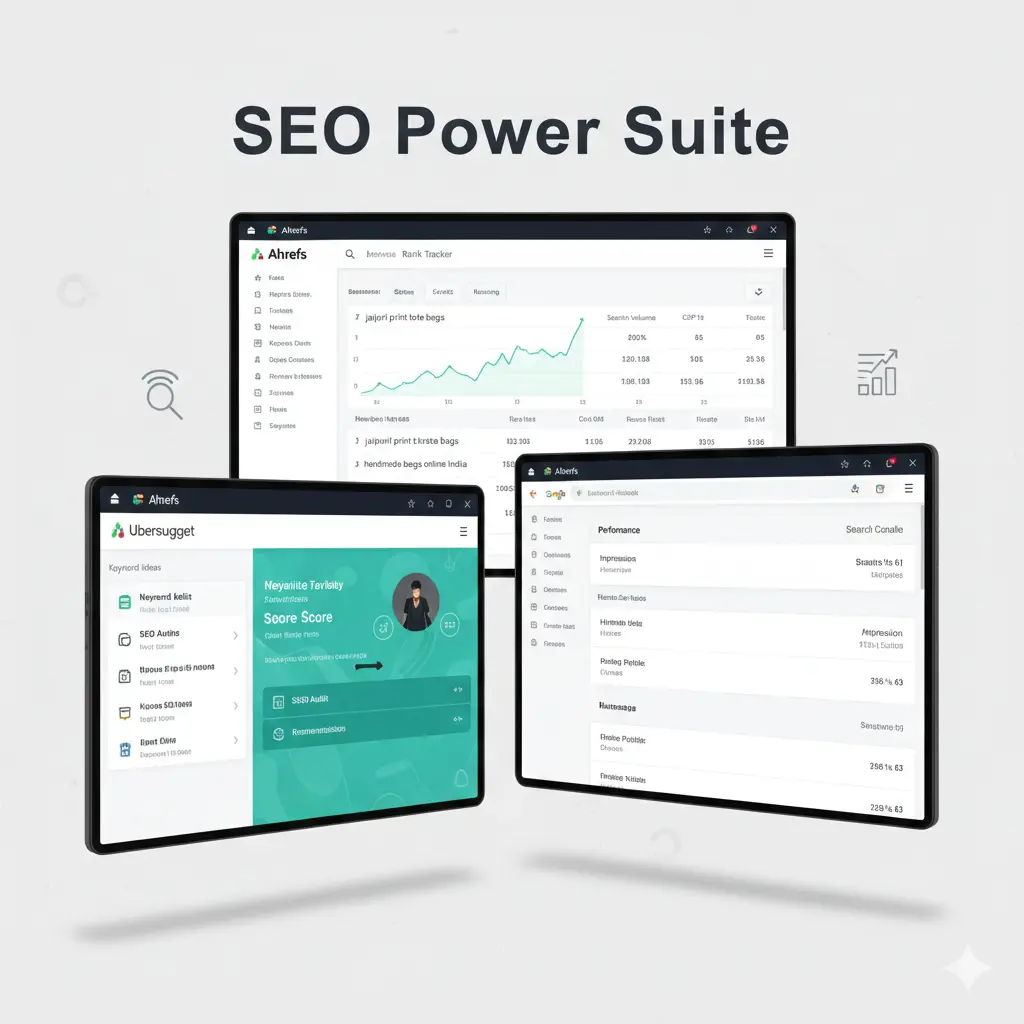
- Ahrefs / SEMrush
- What it is: These are the industry-leading, professional-grade SEO suites. They are powerful but come with a subscription fee.
- How it works: They offer deep competitor analysis, advanced keyword research, backlink tracking, rank tracking, and comprehensive site audits. They provide much more data and are more accurate than most free tools. Ahrefs is known for its superior backlink index, while SEMrush offers a slightly broader marketing toolkit, including PPC and social media features.
- Example in India: A growing e-commerce brand selling organic skincare uses SEMrush to track its keyword rankings for terms like “best vitamin C serum India.” When they see a drop in ranking, the tool helps them identify the cause, such as a new competitor or a technical issue.
Who should use it: Businesses that are serious about scaling their SEO efforts and have a dedicated marketing budget.
2. Content Marketing Tools
Content is the heart of digital marketing. It’s what you use to attract, engage, and inform your audience. These tools help you create better content, faster.
- Canva
- What it is: An incredibly easy-to-use graphic design tool. Its free version is extremely powerful and sufficient for most small businesses.
- How it works: It uses a drag-and-drop interface with thousands of templates for everything from Instagram posts and Facebook covers to logos and business cards. You don’t need any design experience.
- Example in India: A home baker in Delhi uses Canva to create beautiful visuals for her daily specials on Instagram, designs festive promotional posters for Diwali, and even creates her menu card.
- Who should use it: Absolutely everyone. It’s one of the most versatile and valuable small business marketing tools available.
- Grammarly
- What it is: An AI-powered writing assistant that checks your grammar, spelling, punctuation, and style.
- How it works: It works as a browser extension, desktop app, or mobile keyboard. It underlines errors and suggests corrections in real-time as you write emails, social media posts, or blog articles.
- Example in India: A B2B service provider in Pune uses Grammarly to ensure their client proposals and emails are professional and error-free, which helps build trust and credibility.
- Who should use it: Anyone who writes any form of content for their business. The free version is a must-have.
- ChatGPT / Jasper AI
- What it is: Generative AI tools that can help you brainstorm ideas, write drafts, and overcome writer’s block. ChatGPT has a capable free version, while Jasper is a premium, more marketing-focused tool.
- How it works: You give the AI a prompt (an instruction), and it generates text. You can ask it to “write five social media post ideas for a new saree collection” or “draft a blog post outline about the benefits of yoga.”
- Example in India: A local gym owner in Chandigarh uses ChatGPT to generate workout tips and motivational quotes for their social media channels, saving hours of content creation time each week.
- Who should use it: Marketers and business owners looking to speed up their content creation process. Remember to always edit and personalize AI-generated content to fit your brand’s voice.
- Hemingway App
- What it is: A free web-based tool that helps you make your writing bold and clear.
- How it works: You paste your text into the editor, and it highlights long, complex sentences, passive voice, adverbs, and complicated words. It gives your text a “readability” score.
- Example in India: An educational startup writes a blog post explaining a complex topic. They use the Hemingway App to simplify the language, ensuring that students can easily understand it.
- Who should use it: Bloggers, copywriters, and anyone who wants to ensure their message is clear and easy to read.
3. Social Media Marketing Tools
With millions of Indians on social media, it’s a critical channel for small businesses. These tools help you manage your presence and engage with your audience effectively.
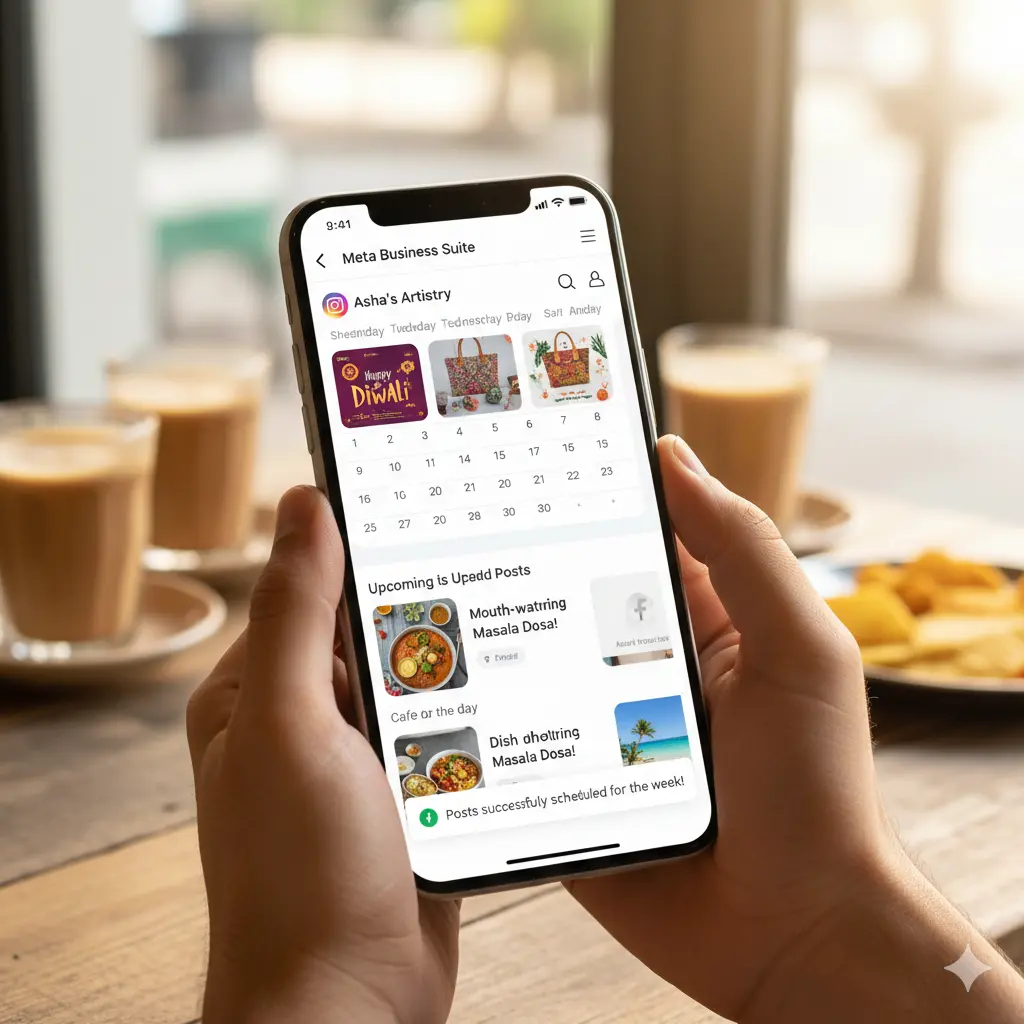
- Meta Business Suite
- What it is: A free, all-in-one tool from Meta to manage your Facebook and Instagram business profiles from a single dashboard.
- How it works: You can schedule posts and Stories for both platforms, respond to comments and messages, view insights, and create ads.
- Example in India: A cafe in Goa schedules its posts for the entire week, including pictures of their “dish of the day” and videos of the beach view. This ensures a consistent online presence even during busy hours.
- Who should use it: Any business with a presence on Facebook and Instagram. It’s the official and most integrated tool.
- Buffer
- What it is: A simple and intuitive social media scheduling tool. It offers a great free plan that allows you to connect up to three social channels.
- How it works: You add your posts to a queue, and Buffer publishes them automatically according to a schedule you set. Its clean interface makes it very beginner-friendly.
- Example in India: A solo entrepreneur selling handmade jewelry uses Buffer’s free plan to schedule posts on Instagram, Facebook, and Pinterest, saving them time and maintaining a consistent posting schedule.
- Who should use it: Beginners and small businesses who need a straightforward scheduling tool for multiple platforms.
- Hootsuite
- What it is: A more comprehensive social media management platform compared to Buffer. It’s better for teams and for monitoring conversations.
- How it works: It allows you to manage multiple social networks, schedule content, and monitor mentions of your brand or keywords in real-time “streams.” It’s great for social listening.
- Example in India: A boutique hotel in Manali uses Hootsuite to monitor mentions of “best hotels in Manali.” When someone posts this query on Twitter, the hotel can respond directly, potentially winning a new customer.
- Who should use it: Businesses that want to actively monitor online conversations and manage multiple brands or team members.
- Instagram Insights
- What it is: The native analytics tool built into your Instagram Business or Creator account. It is completely free.
- How it works: Within the app, you can see detailed data about your follower demographics (age, gender, location), which posts and Stories perform best, and the times your audience is most active.
- Example in India: A fashion influencer in Mumbai checks her Instagram Insights and discovers that most of her followers are active at 7 PM. She starts scheduling her most important posts for that time, resulting in higher engagement.
Who should use it: Every business using Instagram. The data is invaluable for optimizing your strategy.
4. Email Marketing Tools
Email marketing delivers one of the highest returns on investment. It’s a direct way to nurture leads and communicate with your customers.
- Mailchimp
- What it is: One of the most popular email marketing platforms in the world, known for its user-friendly interface.
- How it works: It allows you to build an email list, design beautiful emails with drag-and-drop templates, and track open rates and clicks. Its free plan allows up to 500 contacts and 1,000 email sends per month.
- Example in India: An online bookstore uses Mailchimp to send a weekly newsletter with new book arrivals and author interviews. They segment their list to send personalized recommendations based on past purchases.
- Who should use it: Beginners looking for an easy-to-use tool to start their email marketing journey.
- Brevo (formerly Sendinblue)
- What it is: An all-in-one marketing platform that offers email marketing, SMS marketing, chat, and more.
- How it works: Its unique selling point is its generous free plan, which allows up to 300 emails per day with unlimited contacts. This is great for businesses with a large but infrequent sending need.
- Example in India: A local event organizer uses Brevo to send email reminders and last-minute SMS alerts to ticket holders, ensuring a high turnout.
- Who should use it: Small businesses that want a cost-effective solution for sending emails and potentially exploring SMS or chat marketing.
- Zoho Campaigns
- What it is: Part of the Zoho ecosystem, a suite of business software popular in India. Zoho Campaigns is a powerful email marketing tool.
- How it works: It integrates seamlessly with other Zoho products like Zoho CRM. It offers automation, personalization, and A/B testing features. Its pricing is often more competitive for the Indian market.
- Example in India: A small IT firm using Zoho CRM for sales also uses Zoho Campaigns. When a lead is marked as “Contacted” in the CRM, an automated email sequence is triggered in Campaigns to nurture the lead.
- Who should use it: Businesses already using or planning to use the Zoho suite of products.
5. PPC & Advertising Tools
Pay-Per-Click (PPC) advertising allows you to place ads on platforms like Google and Facebook and pay only when someone clicks on your ad.
- Google Ads
- What it is: Google’s advertising platform. It lets you show ads in Google search results, on YouTube, and across a network of other websites.
- How it works: You bid on keywords relevant to your business. When a user searches for that keyword, your ad may appear. You can start with a very small budget, even ₹100-200 per day, and target users by location, age, and interests.
- Example in India: A plumber in Chennai runs a Google Ad campaign targeting the keyword “plumber near me.” The ad is set to only show to people within a 10 km radius of his location, ensuring he only gets relevant local leads.
- Who should use it: Businesses that want immediate visibility and leads for specific services or products.
- Meta Ads Manager
- What it is: The tool to create and manage ads across Facebook, Instagram, Messenger, and WhatsApp.
- How it works: It offers incredibly detailed targeting options. You can target users based on their demographics, interests, behaviors (like frequent online shoppers), and whether they’ve interacted with your page before.
- Example in India: A brand selling custom-made cakes in Hyderabad uses Meta Ads to target people who have an upcoming birthday or anniversary. This highly specific targeting results in a great return on ad spend.
- Who should use it: Businesses whose products are visually appealing or target specific consumer interests and demographics.
6. Analytics Tools
Analytics tools help you understand what’s happening on your website. Where do visitors come from? What do they do? Why do they leave?
- Google Analytics 4 (GA4)
- What it is: The industry-standard free web analytics service from Google. It tracks and reports website traffic.
- How it works: After adding a small piece of code to your website, GA4 starts collecting data. It shows you how many users visit your site, which pages are most popular, how they found you (e.g., Google, Facebook), and their geographic location.
- Example in India: An e-commerce site selling sarees notices in GA4 that many users add items to the cart but don’t complete the purchase. This prompts them to investigate their checkout process for potential issues.
- Who should use it: Every business with a website. It is the single most important tool for understanding your audience and site performance.
- Microsoft Clarity
- What it is: A completely free tool from Microsoft that visually shows you how users interact with your website.
- How it works: It provides “heatmaps” that show where users click, and “session recordings” which are videos of a user’s entire session on your site. This lets you see exactly where they get confused or stuck.
- Example in India: A subscription tiffin service in Mumbai watches session recordings in Clarity and sees that users are struggling to find the “View Menu” button. They make the button bigger and more prominent, leading to a 20% increase in conversions.
Who should use it: Any business that wants to improve its website’s user experience and conversion rates. It’s an amazing free alternative to paid tools like Hotjar.
7. Website & Conversion Tools
Your website is your digital storefront. These tools help you build and optimize it for sales and leads.
- WordPress
- What it is: The world’s most popular content management system (CMS). It’s a free, open-source platform to build any kind of website.
- How it works: You install it on your web hosting, choose a theme (design), and add functionality with plugins. It’s incredibly flexible, from a simple blog to a full-fledged e-commerce store with the WooCommerce plugin.
- When to use it: When you want full control and flexibility over your website. It has a steeper learning curve but is scalable for long-term growth.
- Shopify / Wix
- What it is: All-in-one website builders. They are easier to use than WordPress but offer less flexibility.
- How it works: They provide a drag-and-drop interface, hosting, and customer support in one package. Shopify is specifically designed for e-commerce and is excellent for selling products online. Wix is a more general-purpose site builder suitable for portfolios, service businesses, and small stores.
- When to use them: Use Shopify if your primary goal is e-commerce. Use Wix if you need a beautiful website quickly without technical knowledge.
- Microsoft Clarity / Hotjar
- What it is: As mentioned before, these are conversion rate optimization (CRO) tools. They help you understand user behavior to increase sales or leads.
- How it works: Besides heatmaps and recordings, they offer tools to collect user feedback through polls and surveys directly on your site. You can ask visitors “Was there anything stopping you from making a purchase today?” to get direct insights.
When to use them: Once you have a steady stream of traffic to your website and want to optimize the user journey to improve conversions.
Free vs Paid Digital Marketing Tools – Which Should You Choose?
This is a common question for small business owners. The answer depends on your stage of business and your goals.
Aspect | When to Use Free Tools | When to Invest in Paid Tools |
Stage | When you are just starting out, have a very limited budget, and are learning about digital marketing. | When your business is growing, and you need more power, data, and automation to scale your efforts. |
Features | Free tools are great for core functions: basic SEO, social scheduling, simple email campaigns. | Paid tools offer advanced features: deep competitor analysis, complex automation workflows, detailed reporting, and better support. |
Time vs. Money | You might need to use multiple free tools and spend more time manually connecting the dots and compiling data. | Paid tools save you significant time by automating tasks and providing all-in-one dashboards. |
Decision | Use free tools to build a foundation and understand What is Digital Marketing. Get comfortable with the concepts. | Invest in paid tools when you can clearly see the return on investment (ROI). For example, if a paid SEO tool helps you rank for a keyword that brings in ₹20,000 in sales, a ₹5,000 subscription is worth it. |
ROI-Based Decision Framework: Don’t just look at the price. Ask: “Will this tool save me X hours per month?” or “Will this tool help me generate Y more leads?” If the value of the time saved or revenue generated is greater than the cost of the tool, it’s a good investment.
How to Choose the Right Digital Marketing Tools for Your Business
Use this checklist to decide which tools are the best fit for you:
- What is your business type?
- Local Business (e.g., salon, clinic): Focus on SEO tools (Google Search Console), PPC tools (Google Ads for local search), and a website (WordPress/Wix).
- E-commerce (e.g., online store): Prioritize a robust website platform (Shopify), Social Media and PPC tools (Meta Ads), Email Marketing (Mailchimp), and Analytics (GA4, Clarity).
- Service Business (e.g., consultant, agency): Emphasize a professional website (WordPress), Content Marketing tools (Grammarly, ChatGPT), and SEO tools (Ubersuggest, Ahrefs).
- What is your budget?
- Zero/Low Budget: Start with the free suite: Google Analytics, Google Search Console, Meta Business Suite, Canva, Mailchimp’s free plan, Ubersuggest’s free version.
- Growing Budget: Consider upgrading Mailchimp, investing in a paid scheduler like Buffer, or getting a premium SEO tool like Ahrefs/SEMrush.
- What is your skill level?
- Beginner: Choose tools known for their user-friendliness, like Canva, Mailchimp, Buffer, and Wix.
- Intermediate: You can handle more complex tools like WordPress, Google Ads, and the paid versions of SEO tools.
- What are your marketing goals?
- Brand Awareness: Focus on Social Media Marketing and Content Marketing tools.
- Lead Generation: Prioritize SEO and PPC tools.
- Customer Retention: Emphasize Email Marketing tools.
Real-Life Example of a Small Business Using These Tools
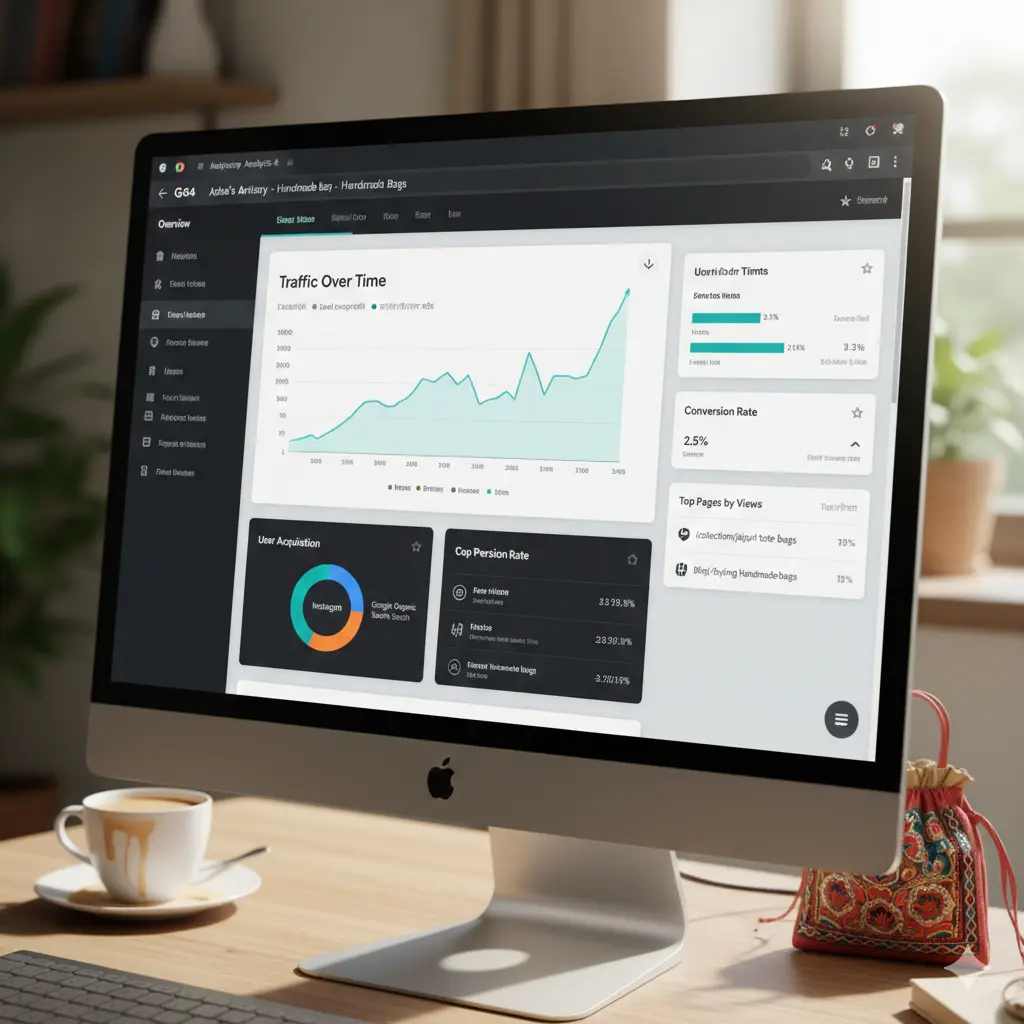
Let’s imagine “Asha’s Artistry,” a small business in Jaipur selling handmade bags online.
- Website: Asha builds her store on Shopify because it’s easy to set up and manage payments. She installs the Google Analytics 4 and Microsoft Clarity code.
- SEO: She uses Google Keyword Planner to find that people are searching for “jaipuri print tote bags.” She uses this keyword in her product descriptions. She uses Google Search Console to make sure her product pages are indexed by Google.
- Content: She uses Canva to create stunning photos of her bags for social media and her website. She writes a blog post on “5 Ways to Style a Handmade Bag,” using Grammarly to ensure it’s error-free and ChatGPT to brainstorm ideas.
- Social Media: She uses Meta Business Suite to schedule her Instagram and Facebook posts for the week. She runs a targeted Meta Ad campaign for women aged 25-45 interested in sustainable fashion.
- Email Marketing: When customers make a purchase, they are added to her Mailchimp list. She sends them a thank-you email and a monthly newsletter with new designs and special offers.
- Analysis: After a month, she looks at Google Analytics and sees that most of her traffic is coming from Instagram. In Microsoft Clarity, she watches session recordings and notices people are looking for a “Cash on Delivery” option, which she then adds to her store.
By combining these tools, Asha effectively manages her entire digital marketing strategy on a small budget, reaching customers across India.
Conclusion
The digital world offers immense opportunities for growth, and you don’t need a huge team or budget to seize them. The key is to start smart. By leveraging the best digital marketing tools for small businesses in India, you can automate your work, understand your customers deeply, and make decisions based on data, not guesswork.
Start with the free tools we’ve discussed. Get comfortable with them. As your business grows, you can strategically invest in paid versions that offer a clear return. From SEO and content creation to social media and analytics, these platforms are your partners in growth. Embrace them, learn them, and watch your small business flourish in the competitive Indian market.
FAQ
Start with this free power pack:
- Google Analytics (GA4): To understand your website visitors.
- Google Search Console: To monitor your Google search performance.
- Canva: For all your design needs.
- Meta Business Suite: To manage and schedule Facebook and Instagram content.
- Mailchimp (Free Plan): To start building your email list.
Not at all. Most of the tools mentioned, especially Canva, Mailchimp, Buffer, and Wix, are designed specifically for beginners with no technical skills. They have user-friendly interfaces and plenty of tutorials to guide you.
For a small business owner, even 3-5 hours a week can make a significant difference. Use tools to be efficient. For example, spend one hour on a Sunday scheduling all your social media posts for the week. The key is consistency, not quantity.
Yes. Big brands have big budgets, but small businesses have agility and authenticity. Digital marketing tools level the playing field. You can target niche audiences that big brands might ignore and build a personal connection with your customers through social media and email, which is something customers value.
For a local business that relies on foot traffic (like a restaurant, salon, or clinic), the most important "tool" is your Google Business Profile. It's a free listing that appears in Google Maps and local search results. Optimize it with photos, your address, phone number, and opening hours. It's often the first interaction a local customer has with your business online.